ZEBRAGLASS SUPPORT
Downloads and library help.
Find completed downloads, distinguish recordings from on-demand files, and protect local media.
All support topics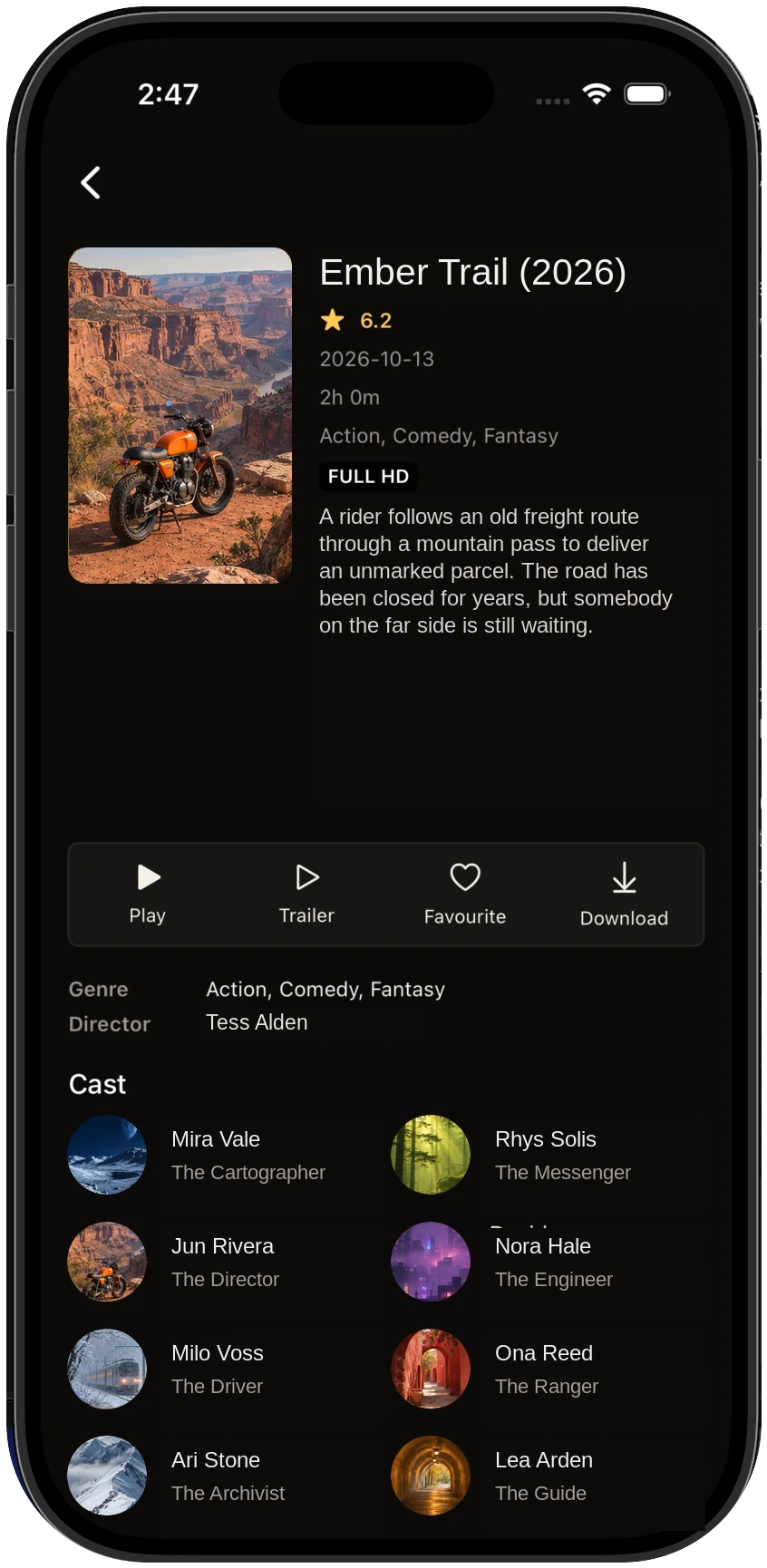
DOWNLOADS
Find the local copy.
Open Downloads rather than refreshing the provider catalogue. On iPhone or iPad, also check the app’s Documents folder in Files. On desktop, check the configured path in Settings.
I saved a live programme, not a movie.
Look under Recordings. Live recordings and on-demand downloads are kept separately.
There’s no Download button.
The source and title must support downloads. A guide entry is not an on-demand download.
BACKUPS
Keep settings and media separate.
A settings backup contains connection and preference data, not the video files. Keep the backup private and make separate copies of irreplaceable media. Don’t remove a source, clear app storage or reinstall to troubleshoot missing files.